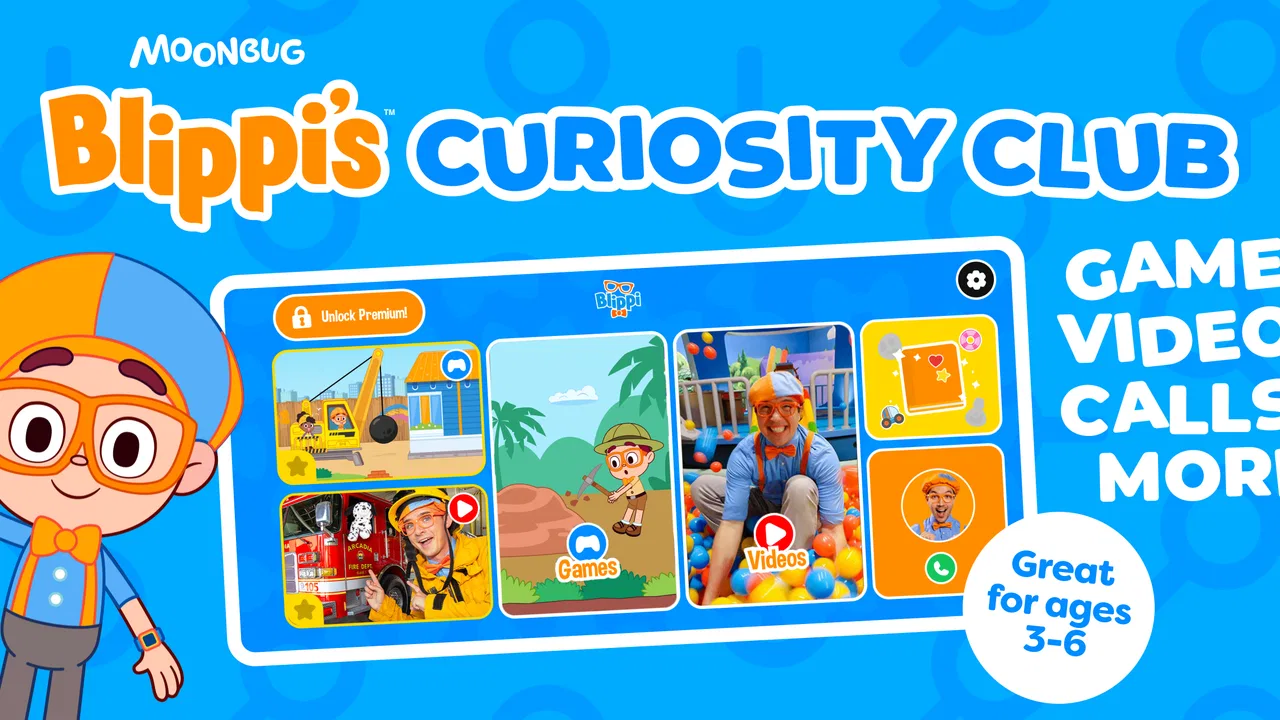
Blippi's Curiosity Club
- 4.3
- Rating
- 500.00K
- Installs
- Free
- Price

 Analysis by App-foxy
Blippi’s Curiosity Club is an educational game built around the familiar Blippi character, and my overall impression is that it works best as a short, cheerful activity for young children rather than as a complete learning program. The appeal is easy to understand: children can join Blippi-themed play sessions, while parents get something more purposeful than simply handing over a general entertainment app. I found the experience most convincing when used in small doses, with an adult nearby to turn the game into a conversation instead of treating it as an unattended digital babysitter.
The game comes from Moonbug Entertainment Limited and is free to download. Its store rating sits at 4.2 from roughly 600 ratings, and it has passed 100,000 installs, which gives it a reasonable audience without suggesting that it is the only choice in this crowded part of the children’s app market. It is rated Everyone, so its intended tone is family-friendly and accessible. The important question is not whether a child will recognize Blippi, but whether the activities hold attention after the initial excitement of seeing a familiar character.
How Blippi’s Curiosity Club feels in everyday use
The central idea is simple: the child joins a club and plays games connected to Blippi. That framing matters because it makes the app feel more inviting than a worksheet-style learning tool. A child who resists formal practice may be more willing to explore an activity when it is presented as play with a known character. In my view, this is the game’s clearest strength. It lowers the barrier to starting, especially for children who already enjoy Blippi’s videos.
You May Also Like

 Blood Strike: 2.5 Anniversary
Blood Strike’s Loadouts Turn Every Drop Into a Tactical Gamble
A close look at Blood Strike’s custom loadouts: how fast access to signature weapons reshapes its battle royale rhythm, rewards preparation, and narrows the gap between fights.

 Pandora - Music & Podcasts
Pandora’s Music Is Easy to Start, but Harder to Recover
Pandora’s strength is its low-effort path from a seed to a station. Its weak spot is how much confidence it asks you to place in connection, setup, and quiet recovery.

 8 Ball Pool
 Is Built on Rivalries, Rematches, and Routine
A close look at the rivalries, rematches, shared routines, and unanswered safety questions that turn a quick pool match into a persistent mobile community.

 Samsung Music
’s Quiet Strength Is Playing What You Already Own
Its reach comes less from spectacle than from dependable access to a personal library. That simplicity is both the app’s strongest retention engine and its ceiling.

 AccuWeather: Weather Radar
AccuWeather Review: A Quick, Clear Forecast for Everyday Decisions
For everyday plans, the best forecast is the one you can understand quickly. AccuWeather makes rain timing, radar, and local conditions easy to act on, with a few trade-offs.

 Hill Climb Racing
Why Hill Climb Racing Still Turns Crashes Into One More Run
A tiny car, a bumpy hill and one more upgrade: Hill Climb Racing keeps resurfacing because its simple chaos makes every near-miss feel personal.
More From Our News Desk



At the same time, the character is not a substitute for thoughtful learning design. Parents should look at the app as a playful supplement, not as a structured curriculum with the depth of a dedicated early-learning platform. The experience is better suited to reinforcing curiosity, recognition, simple decision-making, and attention than to teaching a broad subject in a carefully sequenced way.
That distinction helps set realistic expectations. If you want a child to spend a few quiet minutes matching, exploring, or responding to an age-appropriate challenge, this is a sensible candidate. If you need a tool that tracks progress across reading, mathematics, language, and problem-solving in a detailed way, I would look elsewhere. Blippi’s Curiosity Club has a narrower purpose, and it is more enjoyable when judged on that purpose rather than on what it was never designed to replace.
The character-led approach is genuinely useful
Children often decide whether an app is worth trying within moments. A recognizable host can make that first step much easier. Blippi’s presence gives the activities a friendly identity, and that can be particularly helpful for a child who is cautious with unfamiliar games. I would introduce it by sitting with the child for the first session, asking what they notice, and letting them explain what they think they are supposed to do. That turns passive tapping into a small shared learning moment.
One useful habit is to pause after an activity instead of immediately moving to the next one. Ask the child why they chose an answer, what they saw first, or how they would explain the task to someone else. This is a practical way to get more value from a simple game. The app supplies the prompt; the adult supplies the language and reflection that a young child may not produce alone.
This also makes the game suitable for more than one setting. It can fill a short waiting period, provide a calmer transition before bedtime, or offer a change of pace after outdoor play. I would avoid using it during every difficult moment, though. If a child learns that the app appears whenever they are bored or upset, the educational purpose can quickly become secondary to screen-time negotiation.
Where it fits among children’s learning apps
Compared with a general video service, the game has a more active role for the child. Watching Blippi content can be entertaining, but a game asks the child to respond rather than simply follow along. That difference is small on paper and meaningful in practice: the child has to notice something, make a choice, or complete a prompt. For a parent trying to replace a few minutes of passive viewing with more involved play, this is a worthwhile advantage.
Compared with a specialist educational app, however, the trade-off is depth. Dedicated phonics, numeracy, drawing, or preschool curriculum apps often offer clearer learning paths and more explicit progression. They may be the better choice when a child has a particular skill to practise or when a parent wants consistent routines. Blippi’s Curiosity Club is more character-driven and immediately approachable, but that broad appeal can come at the expense of a tightly organized lesson structure.
It also differs from open-ended creative apps. Drawing and building tools can encourage children to invent their own projects, while a game based on guided activities gives more direction. That makes Blippi’s app easier for a child who needs a clear starting point, but less satisfying for a child who wants to create freely. I would choose between them based on the child’s mood and learning goal rather than assuming one format is always superior.
A realistic family scenario
Imagine a parent preparing dinner while a preschool-age child has already finished a puzzle and is asking for another activity. I would start the game nearby, agree on a short play period, and watch the first activity rather than leaving immediately. If the child becomes absorbed, the parent can continue with the meal while remaining within earshot. When the activity ends, a quick question such as “What did Blippi ask you to find?” helps bring the child back into the room and checks whether the game was actually engaging or merely producing random taps.
That scenario shows both the usefulness and the limit of the app. It can provide a helpful, contained diversion, but it should not be treated as guaranteed independent learning time. Young children may need help understanding instructions, recovering from a mistake, or navigating between activities. The best results come when the app is part of a routine that includes talking, moving, reading, and hands-on play.
What parents should know before installing
The download is free, but the app includes in-app purchases ranging from $7.99 to $39.99 per item. That is the most important practical detail for families deciding whether it belongs on a shared device. I recommend checking the purchase settings before handing the phone or tablet to a child and explaining clearly which parts are available to try and which may require a purchase. A child-friendly interface can still lead to an awkward conversation if the adult has not prepared first.
The game’s age rating is Everyone, which suits its broad family positioning. Even so, an age label does not tell you whether the pace, instructions, and level of challenge are ideal for your particular child. A younger child may need more guidance, while an older child may find the activities too easy after the novelty fades. I would judge the fit by attention span and independence, not by the rating alone.
Device compatibility is also worth checking before downloading. The current version is 1.1.0 and requires iOS or Android 11 at minimum. That requirement is manageable for many recent devices, but an older family tablet may not qualify. If the app is intended for a child’s hand-me-down device, check the operating system first rather than discovering the limitation after planning a quiet activity.
The strongest evidence in its favor
For me, the strongest case for this game is the combination of familiarity and participation. A child who already likes Blippi has an immediate reason to explore, and the game format gives that interest a more active outlet than video alone. This does not make every moment educational in a formal sense, but it creates an opportunity for children to practise paying attention and responding to prompts while enjoying a trusted character.
I also like that the app can be used flexibly. It does not need to become a daily lesson plan to be worthwhile. A parent can bring it out during a transition, use one activity as a conversation starter, or let a child explore briefly before moving on to a non-screen activity. That flexibility is more valuable than a rigid routine for families whose schedules change from day to day.
A less obvious benefit is that the game can reveal how a child approaches instructions. Does the child listen before tapping, copy a pattern, guess quickly, or ask for help? Watching those habits gives a parent useful information that a passive video would not provide. I would use the app occasionally as an observation tool, not to test the child, but to notice where encouragement or a simpler explanation might help.
The meaningful weakness: entertainment can outrun learning
The main limitation is that the Blippi brand may carry more weight than the educational depth of any individual activity. Familiarity gets the child through the door, but it does not guarantee sustained challenge. Some children will enjoy the theme yet lose interest once they have repeated the same style of interaction. Others may focus on the character and sounds while paying little attention to the underlying task.
This is why I would not rely on the game as a stand-alone learning plan. It needs rotation with books, physical games, conversation, drawing, sorting objects, and other activities that use different kinds of thinking. A child who is practising counting, for example, may gain more from counting real cups at the table after playing than from immediately launching another digital activity.
There is also a trade-off between convenience and supervision. The app is designed to be approachable, but young users do not always understand purchase prompts, menus, or the difference between finishing a task and simply tapping around. Parents who want completely hands-off play may find that expectation unrealistic. The game is easier to recommend when an adult can establish boundaries and check in from time to time.
Another point to consider is audience loyalty. If a child does not already enjoy Blippi, the character may not be enough to make the game appealing. In that case, a neutral educational app or a creative tool may offer a better fit. I would not install this simply because it is labelled educational; I would choose it when the child’s interest in the character is likely to support participation.
Who will get the most from it
I think the best audience is young children who enjoy Blippi and benefit from short, guided activities. It is especially suitable for parents looking for a gentler alternative to uninterrupted video viewing, provided they are comfortable staying involved. It can also work well for siblings close in age if they can take turns and explain their choices, although the experience may be less satisfying if one child is much more independent than the other.
It is less suitable for older children seeking complex puzzles, open-ended creation, or a strong sense of progression. It is also not my first recommendation for parents focused on a specific academic target. For those needs, a specialized learning app with a clearly defined skill path will usually be more efficient. This game is about approachable, character-led exploration, not intensive practice.
Families should also think about the purchase model. The free starting point makes it easy to decide whether the tone suits the child, but the available paid items mean that the household should agree on spending rules in advance. I would never let a child make that decision alone. A simple rule such as “we try the free activities first and ask before buying anything” prevents most confusion.
My final recommendation
After using it as a parent-facing reviewer would, I see Blippi’s Curiosity Club as a pleasant educational game with a clear audience and a clear boundary. Its biggest success is making guided play feel inviting to children who already respond to Blippi. Its biggest weakness is that the character appeal can make the experience seem more comprehensive than it really is. Use it as a short, shared learning-and-play activity, not as a replacement for a broader preschool routine.
The free download makes trying it straightforward, and the Everyone rating supports its family-friendly positioning. Still, I would check the operating-system requirement, prepare for the in-app purchase range, and test the activities alongside the child before deciding whether it deserves a regular place on the device. If your child enjoys Blippi and you want something more interactive than video, I think it is worth exploring. If you want detailed progress tracking, advanced challenges, or a curriculum built around one subject, another type of educational app will serve you better.
My verdict is positive but measured: this is a friendly, useful option for brief moments of guided screen time, especially when a familiar character helps a hesitant child engage. Its value depends less on leaving the child alone with the app and more on what happens around it—the questions you ask, the limits you set, and the real-world activity you offer afterward.
FAQs for Blippi's Curiosity Club
01What age group is Blippi's Curiosity Club suitable for?
Blippi's Curiosity Club is designed for children aged 2 to 6 years old. The app features engaging content and activities tailored to young learners, promoting exploration and curiosity in a safe, educational environment. Parents can feel confident knowing the app's content is age-appropriate and educational.
02Is Blippi's Curiosity Club available on both Android and iOS?
Yes, Blippi's Curiosity Club is available for download on both Android and iOS platforms. Users can find the app on the Google Play Store for Android devices and the Apple App Store for iOS devices, ensuring compatibility across a wide range of smartphones and tablets.
03Does Blippi's Curiosity Club require an internet connection?
While some features of Blippi's Curiosity Club may require an internet connection, such as downloading new content or updates, many activities can be enjoyed offline. This makes it convenient for use during travel or in settings where Wi-Fi access may be limited.
04Are there in-app purchases in Blippi's Curiosity Club?
Yes, Blippi's Curiosity Club includes in-app purchases. While the app offers a variety of free content, additional educational activities and features can be unlocked through purchases. Parents should be mindful of these options and may want to set up parental controls to manage spending.
05How does Blippi's Curiosity Club ensure child safety online?
Blippi's Curiosity Club prioritizes child safety by providing a secure, ad-free environment. The app includes parental controls and content moderation to ensure a safe experience for young users. Additionally, all in-app purchases and settings are protected by parental gates to prevent unauthorized access.
Pros
- Engaging educational content for kids
- Bright
- colorful graphics enhance learning
- Interactive activities boost curiosity
- Easy navigation for young users
- Regular updates with new content
Cons
- Requires subscription for full access
- Occasional in-app advertisements
- Limited offline functionality
- Content may be repetitive over time
- Some activities need adult supervision

Blippi's Curiosity Club
Gallery